general
Sweet 16 Invitations: Modern Templates, Wording & RSVPs
Published 8 August 2026
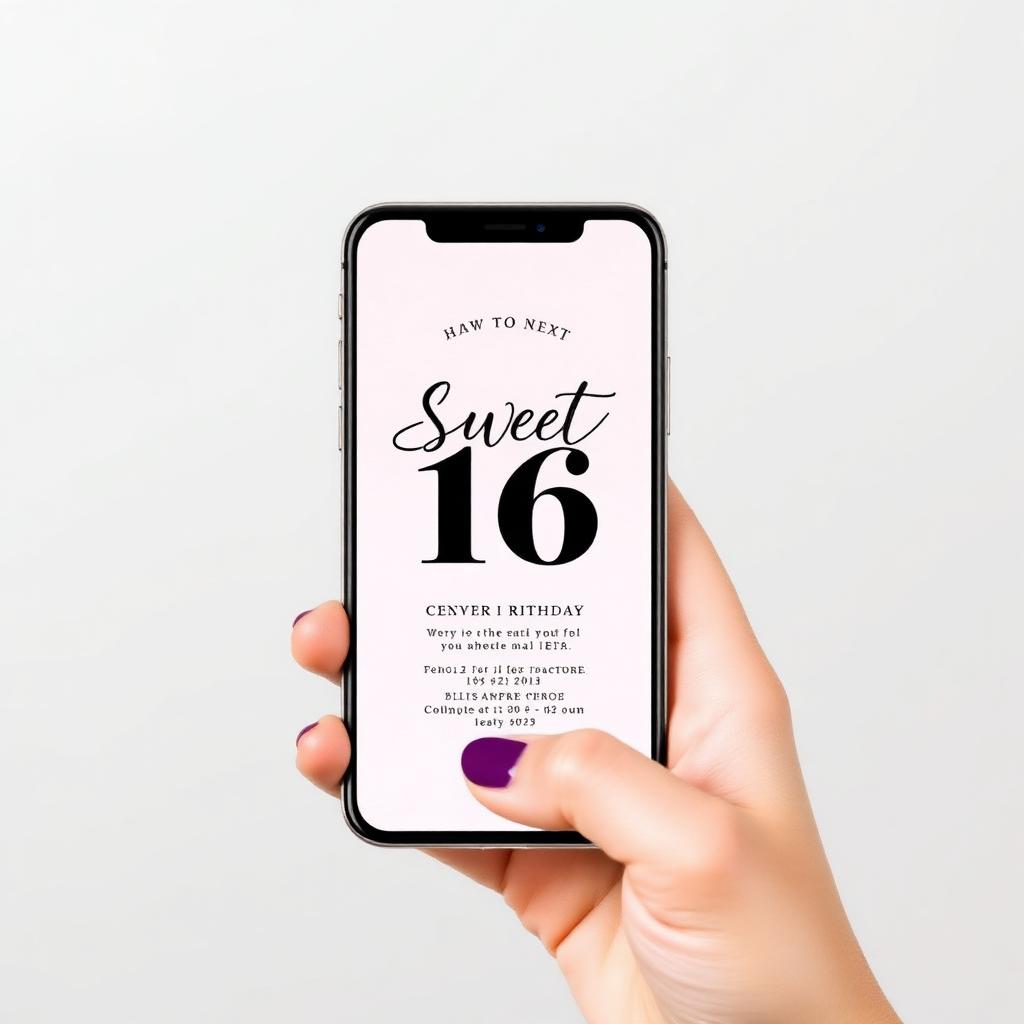
Quick answer: A digital invitation with live RSVP tracking, a countdown timer and shareable links removes 90% of the chasing that comes with paper invites — without sacrificing the look.
Sweet 16 invitations live or die on two things: do they look like the event, and do people actually RSVP? Paper invites nail the first and fail the second. A well-designed digital invitation does both — guests tap a link, see a beautiful card, and respond in two seconds without finding a stamp.
This guide covers wording, templates and the tracking features that turn an invite into an event-management tool.
Why sweet 16 invitations matters more than people think
- RSVP tracking removes the awkward 'are you coming?' DMs the week before.
- Digital invitations cost a fraction of printed ones and look just as polished.
- Built-in countdown timers and shareable links boost actual attendance, not just RSVPs.
📊 Celebrate Magic Moments's digital invitation feature set
Celebrate Magic Moments invitations include the lot: live RSVP tracking, CSV export, countdown timer, optional personalised song, photo gallery, and timezone-aware reminders for overseas guests. You design once, share the link, and the dashboard tells you exactly who's coming. Build a sweet 16 invitation.
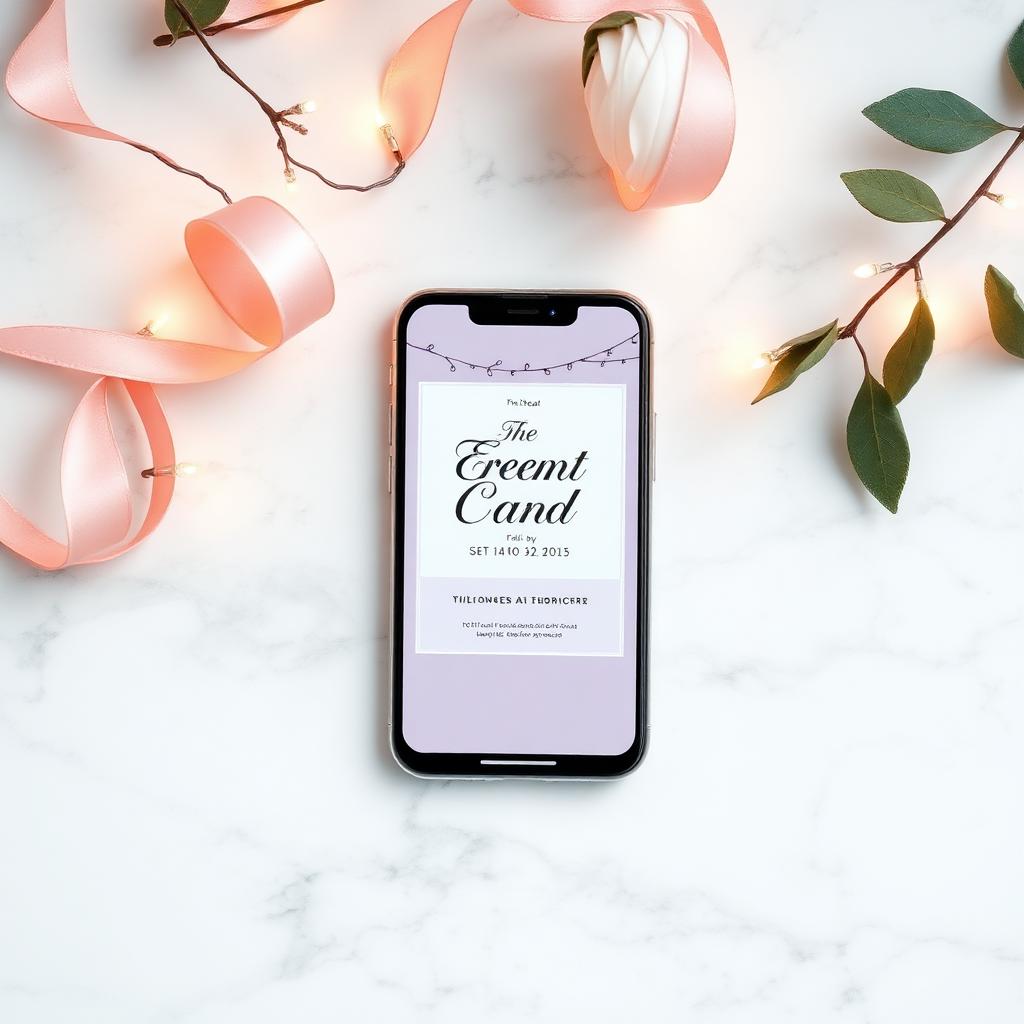
Wording templates for every tone
- Classic: "You're invited to celebrate [Name]'s sweet 16. [Date] at [Time], [Venue]. Please RSVP by [date]."
- Modern: "[Name] is turning the page on a new chapter — and you're invited to the sweet 16. Tap below to RSVP."
- Casual: "Drinks, food, music, you. [Name]'s sweet 16 on [date]. Tap the link, tell us you're in."
- Family: "It's a sweet 16 and we want you there. [Family] would love to see you on [date]. RSVPs help us plan — please tap below."
- Formal: "[Hosts] request the pleasure of your company at [Name]'s sweet 16 on [date] at [venue]. Kindly respond by [date]."
- Surprise: "Shhh — it's a surprise sweet 16 for [Name]. Please arrive by [time]. RSVP confidentially via the link."
- Kids: "Get ready for [Name]'s sweet 16! [Date], [Time], [Venue]. Please RSVP so we know how much cake to make."
How to put it together in under 10 minutes
- Open Celebrate Magic Moments invitations and pick a sweet 16 template.
- Fill in event details — date, time, venue, dress code.
- Toggle the features you want (RSVP, countdown, song, photo gallery).
- Share the link or import a guest list for automated reminders.
- Watch RSVPs land in your dashboard in real time.
Common mistakes to skip
- Burying the date and venue at the bottom. Lead with them.
- Skipping a clear RSVP deadline.
- No mobile preview — most guests open invites on a phone.
- Forgetting to share a Google Maps link for the venue.
Where Celebrate Magic Moments fits in
Whether you go down the song, card, invitation or gift-box route, the through-line is the same: people remember the moment, not the object. Celebrate Magic Moments is built specifically to make that moment easy to send. Build a digital invitation with rsvp tracking — most people are done in under 10 minutes.
More from the Celebrate Magic Moments blog
Frequently Asked Questions
Do guests need an app?
No. They open a link in any browser, see the invitation and tap to RSVP.
Can I export the RSVP list?
Yes — CSV export with names, emails, dietary requirements and any custom questions you added.
Can I add a countdown timer?
Yes. Genie invitations include a built-in countdown to the event.
Can I send reminders?
Yes — automated reminders go out before the event, timezone-aware for overseas guests.
Can I add a personalised song to the invitation?
Yes — songs are an optional add-on inside the invitation builder.