general
How to Plan a Virtual or Hybrid Event That People Actually Show Up To
Published 30 June 2026
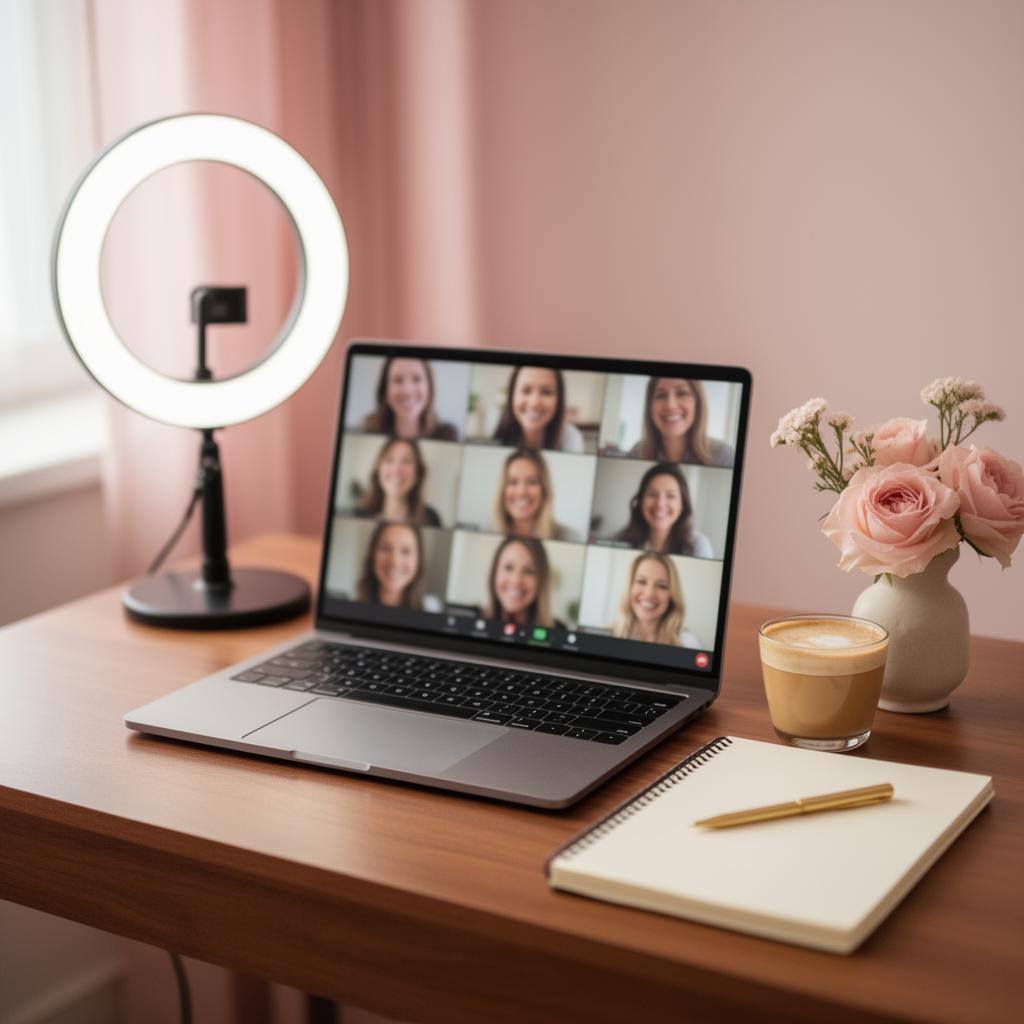
Planning a virtual event or hybrid event in 2026 is no longer a pandemic-era compromise — it's a deliberate format choice that, done well, gets more people in the room (literal or virtual) than a single-location event ever could. Done badly, it gets you a 30% no-show rate and three people on mute.
Here's the playbook that's actually working.
Why virtual and hybrid events under-perform
The three failure modes:
- The invitation looked like a calendar invite. No anticipation = no priority on the day.
- The format was a webinar in disguise. 60 minutes of someone talking at the camera. Phones win.
- Remote attendees got treated like an audience, not participants. No way to react, ask, or contribute.
Fix those three and your virtual or hybrid event will out-perform most in-person ones on engagement-per-dollar.
Step 1: Make the invitation a moment
The single biggest predictor of show-up rate isn't reminders — it's how the invitation made guests feel when it arrived. A boring calendar invite from "noreply@" is opened, dismissed and forgotten in under 10 seconds. A beautiful digital invitation with the host's photo, an animated background, a countdown timer and one-tap RSVP gets opened twice and screenshot-shared. Same information. 3x the perceived event value.
For private virtual events (birthdays, baby showers, retirements), this matters even more — the invitation is the first impression of the event itself.
Step 2: Pick the right format for the audience size
- Under 15 guests (intimate): Open video call format, everyone unmuted, no agenda. Lean into the dinner-party vibe.
- 15–50 guests (party): Structured host + spotlight format. One MC, scheduled "moments" (a song reveal, a tribute video, a toast), then open mingling in breakout rooms.
- 50+ guests (broadcast): Webinar-style for the main session, Q&A managed by a chat moderator, optional networking rooms after.
- Hybrid (any size): Two MCs — one in-room, one remote. Treat the camera as the second guest of honour. Mix in-room and remote in every breakout group.
Step 3: Design moments that travel through a screen
The biggest in-person magic (a speech, the cake, a tribute) often falls flat on video because the camera flattens emotion. The fix: lean into formats that are made for replay.
- A personalised song for the guest of honour — plays once during the call, then everyone gets a shareable link to replay later.
- An animated greeting card built from voice messages collected from every guest before the event — perfect for the moment when in-person handshakes aren't possible.
- A 60-second tribute video — drops in chat after the speech, gets watched 5x.
See real examples on our samples gallery.
Step 4: Solve the tech before you solve the format
Run a full dress rehearsal 48 hours before. Test on the device the host will actually use (a laptop, not "whatever's on the desk"). Have a backup plan for: bad internet, screen-share failure, audio echo, and the inevitable "can you all see this?" moment. The pros script the first 90 seconds word-for-word — it sets the tone for the whole event.
Step 5: Engineer engagement, don't hope for it
- Polls every 8–10 minutes during longer sessions.
- Named breakouts (4–6 people each). Random pairing kills connection.
- A chat moderator who reads questions aloud to the speaker so the chat audience feels heard.
- One physical artifact guests get in the mail beforehand (a cookie, a sticker, a personalised card) — it makes the virtual event feel real.
Step 6: The post-event package matters more than the event
Send within 24 hours: a thank-you card (digital is fine), the recording, the personalised song or video link, and one clear next step (next event date, feedback form, photo gallery). Virtual events live or die on the follow-up — the in-person warmth has to be recreated digitally.
Hybrid-specific traps to avoid
- Don't put the camera at the back of the room. Remote guests should see faces, not the back of heads.
- Don't let the in-room audience eat dinner while remote attendees sit waiting. Synchronise meals or skip food during shared segments.
- Don't use the in-room mic for Q&A. Repeat every question for the camera, or pass a handheld.
- Don't forget the remote guest of honour scenario. If the person being celebrated is on the call, the in-room program should adapt — eye contact with the camera during the toast, the song reveal triggered by their cue.
The hidden upside of virtual and hybrid
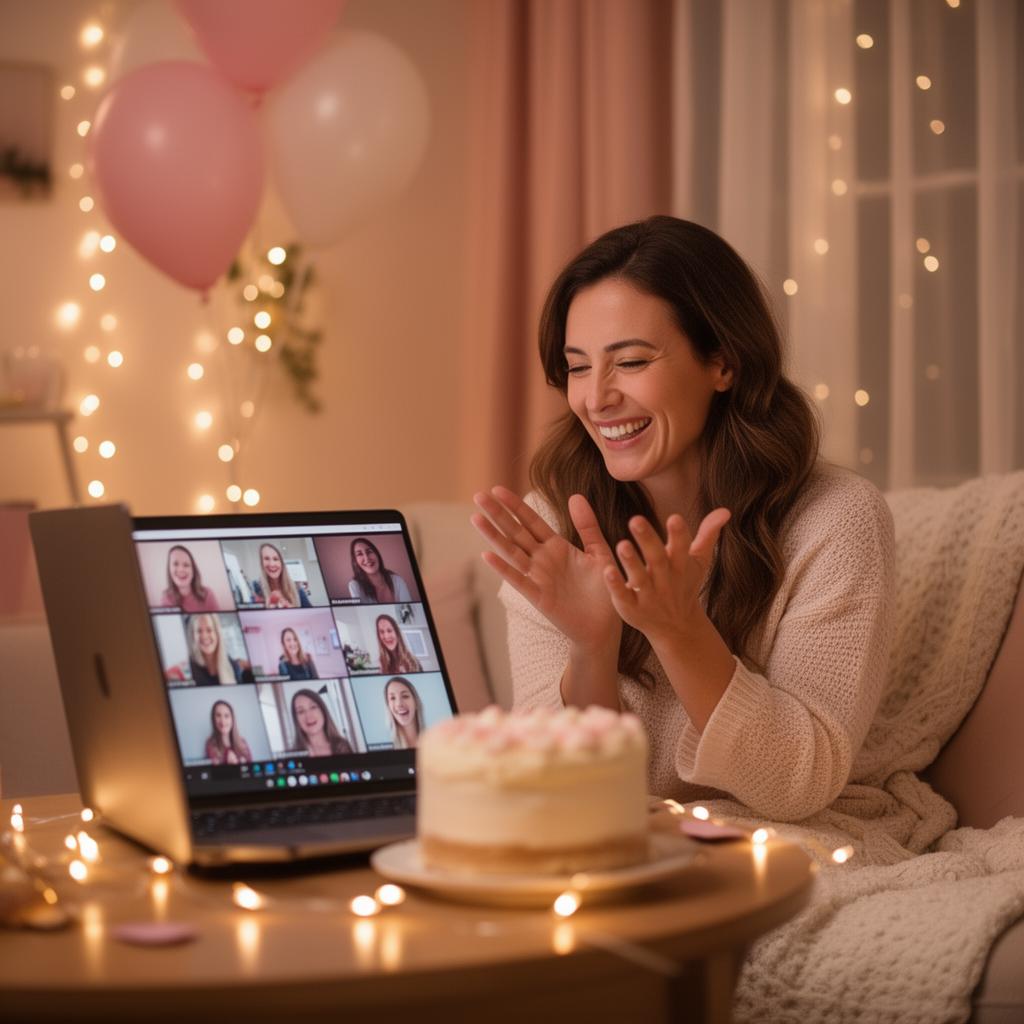
Three things in-person events can't do that virtual/hybrid can: invite grandparents in another country, replay the highlights on the anniversary, and turn the recording itself into a keepsake. A 60-minute virtual birthday party recorded with a personalised song embedded becomes a watch-it-on-your-birthday-every-year tradition. That's not a downgrade from in-person — it's a different product.
If you're planning your first virtual or hybrid event, start with the invitation — it's the highest-leverage decision and the easiest to fix. Compare options on the pricing page or jump straight into building your invitation.
Frequently Asked Questions
What's the typical no-show rate for virtual events?
Generic calendar-invite virtual events average 25-35% no-show. A well-designed digital invitation with countdown timer, RSVP confirmation and a follow-up reminder cuts that to under 10%.
How long should a virtual event be?
Intimate (under 15 guests): 45-75 minutes. Party-style (15-50): 60-90 minutes. Broadcast (50+): 45 minutes plus optional 30-minute networking. Longer than 90 minutes and engagement collapses.
Do I need professional AV for a hybrid event?
For more than 50 attendees, yes — a single laptop and home internet can't carry a hybrid audience. For under 50, a good external microphone, a dedicated camera at face-height (not laptop angle) and a wired internet connection cover 90% of the need.
How do I make a virtual birthday or shower feel personal?
Three moves: a beautifully designed digital invitation sent 2 weeks out, one surprise 'moment' during the call (a personalised song reveal, a video tribute, or an animated card built from guest voice messages), and a shareable replay link sent within 24 hours.
Should I record the event?
Almost always yes. The recording is the event's longest-lived asset — for milestone events, embed the personalised song or tribute video into the recording so the whole package becomes a replayable keepsake.