invitations
Digital Invitations with RSVP: The Easiest Way to Track Guests in 2026
Published 7 July 2026

The invitation isn't the hard part. The RSVP chase is. A modern digital invitation with built-in RSVP tracking turns four weeks of back-and-forth into a live dashboard you can check in seconds.
Why paper RSVPs break in 2026
- Cards get lost in the post or stuck on fridges
- Guests forget the deadline and you end up phoning anyway
- Dietary needs arrive in three different formats (card, text, voicemail)
- You can't easily share the headcount with caterers or the venue
What a good RSVP system actually does
Look for these features when picking a builder:
- One-tap responses. Yes / No. Skip "Maybe" — it just creates noise.
- +1 capture. So your place cards are right and your caterer's headcount matches.
- Dietary fields. Vegetarian, vegan, gluten-free, allergies — captured in the same flow.
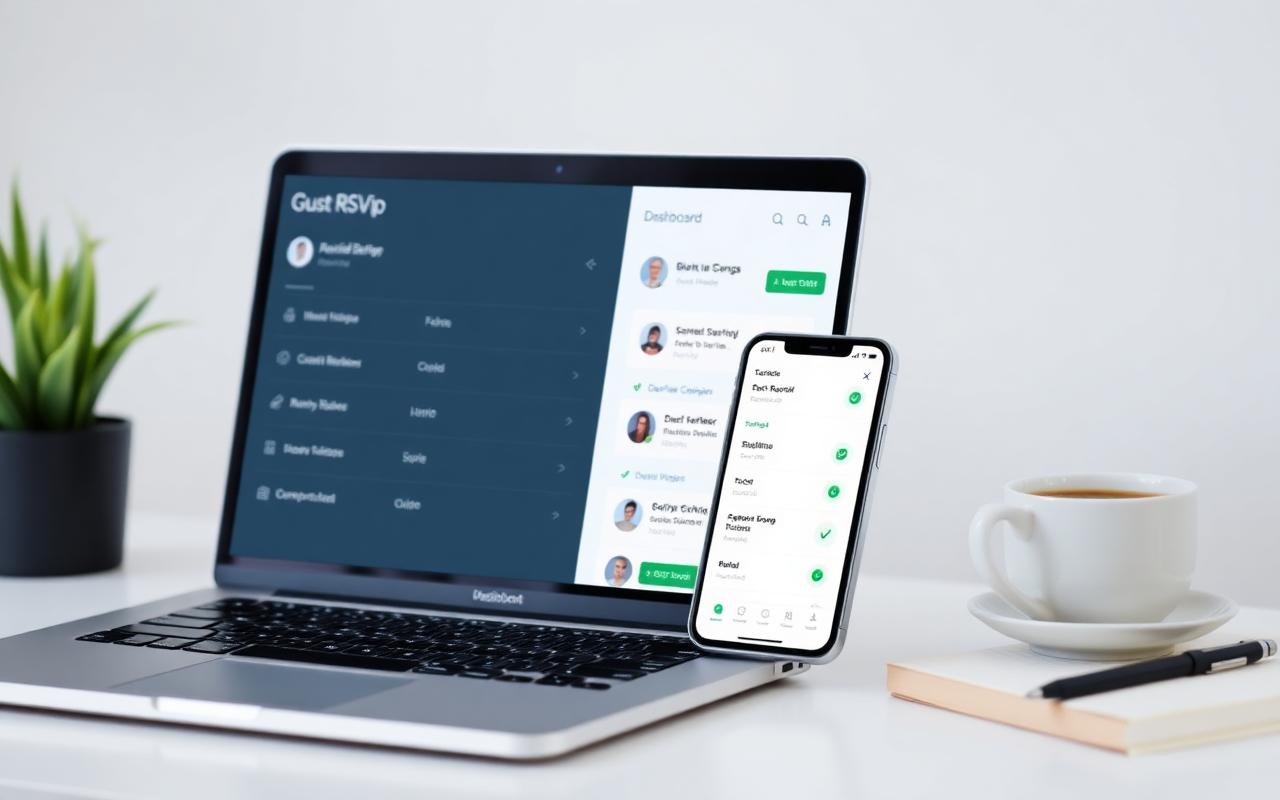
- Live dashboard. Real-time list of yes/no/awaiting with totals.
- Export to CSV. For your caterer, venue, or seating planner.
- Automatic reminders. A gentle nudge to anyone who hasn't responded.
The four-week RSVP timeline that works
- Week 0 — Send the invite
- Week 2 — Check the dashboard, send a chirpy reminder to anyone still pending
- Week 3 — Send a "last call" message with the deadline
- RSVP deadline — Close responses, export the list, share with venue and caterer
RSVP wording that gets a response
Keep the CTA short and warm:
"Hope you can make it! Please tap below to let us know by 15 August."
Avoid words like "kindly confirm your attendance at your earliest convenience". Guests scan, they don't read.
Smart questions to ask alongside the RSVP
- "Any song you'd love us to play?" (great for weddings and milestones)
- "What time will you arrive?" (helpful for staggered receptions)
- "Any kids attending?" (so you can plan activities)
- "Travelling from out of town?" (so you can recommend accommodation)
What hosts wish they'd done sooner
The number-one piece of feedback we hear from couples and party hosts: "I wish I'd used the RSVP dashboard from the start instead of half-tracking in a spreadsheet." Once it's all in one place, the rest of the planning calms down.
Frequently Asked Questions
How do guests respond to an RSVP on a digital invitation?
They tap an RSVP button in the invite, choose Yes or No, add their +1 and any dietary notes. The response lands in your live dashboard instantly.
Can I send automatic RSVP reminders?
Yes — modern invitation builders let you trigger a friendly reminder to anyone who hasn't responded as the deadline approaches.
Can I export the guest list for my caterer?
Yes. Most platforms export the RSVP list as a CSV with names, +1s and dietary notes ready to share with the venue or caterer.
What's a sensible RSVP deadline?
Four weeks before the event for weddings and milestone parties, two weeks for showers and casual gatherings.
What questions should I include alongside the RSVP?
Dietary needs, +1 names, arrival time, kids attending, and any song requests for weddings or milestone parties.